
Expired Hold Shelf Audit Workflow
This workflow is used when auditing items that appear on the Expired Hold Shelf but cannot be physically located where Alma indicates they should be.
When to Use This Workflow:
Why This Matters: Expired hold shelf items represent shared consortial responsibility. Prompt, consistent handling ensures accurate records, fair cost responsibility, and minimal impact on patrons and partner libraries.
Required Roles
Workflow Overview
This process answers three key questions, in order:
1: Perform a Comprehensive Physical Search Begin with a physical and Alma-based search that includes all locations where the item could reasonably be found:
Unlike a traditional Patron Claimed Return investigation, only one thorough search per item is required for Reconciliation audit purposes.
2: Contact the Lending Library Once your local search is complete:
Why This Matters: Both the requesting and lending libraries must confirm the item’s absence before moving forward.
Note: If this audit is being completed as a part of the annual Reconciliation audit process, it will not be necessary to contact the lending library. As of December 2025 RSC members agreed that each library will conduct a physical search for every item listed on the Comprehensive Reconciliation CLS (Lost in Transit) and Expired Hold Shelf Report.
3: Evaluate Search Results At this point, one of three outcomes will occur:
Outcome A: Item Located at Either Library
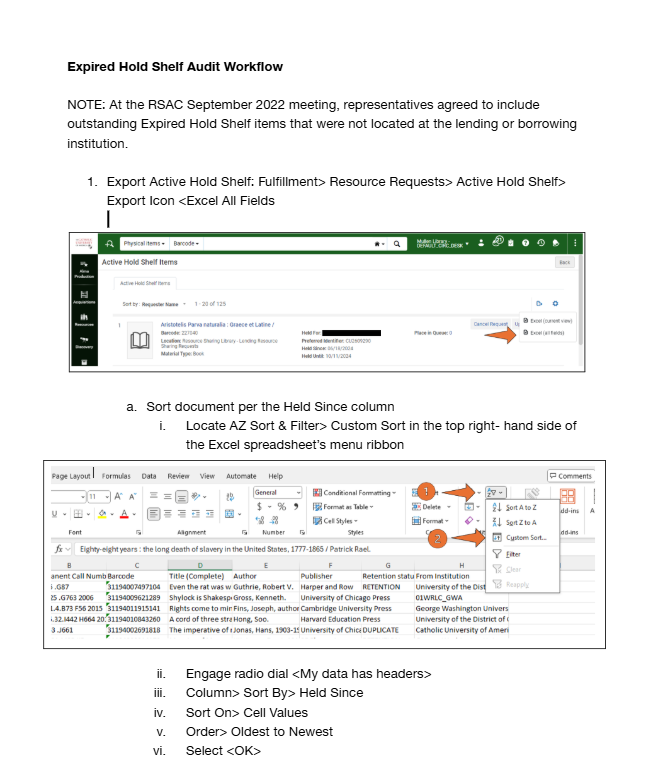
Outcome B: Item Not Located at Either Library
Note: Similar to ILLiad lending agreements, the lending library is ultimately responsible for compensating fellow libraries for Lost or Missing requested CLS materials
4: Patron Resolution (If Item Is Not Located): Determine Whether to Contact the Patron
The requesting library may choose to:
Both approaches are acceptable; local policy may guide this decision.
5: Optional Send Initial Patron Notification; Suggested email language:
Hello,
The item you requested on XX/XX/XXXX titled “Lorem ipsum dolor sit amet” was not correctly checked out to your library account at the time of pickup. This item will be checked out to your account. If you have any concerns, please contact the XX Circulation Desk at 
A library may choose to either wait a set number of days for a response or proceed with checking the item out to the requesting patron’s account
6: Check the Item Out to the Patron's Account in Alma This establishes a clear chain of responsibility moving forward.
7: Documenting the Action in Alma Add a Patron Pop-Up Note: How to Add a Fulfillment Note to an Item
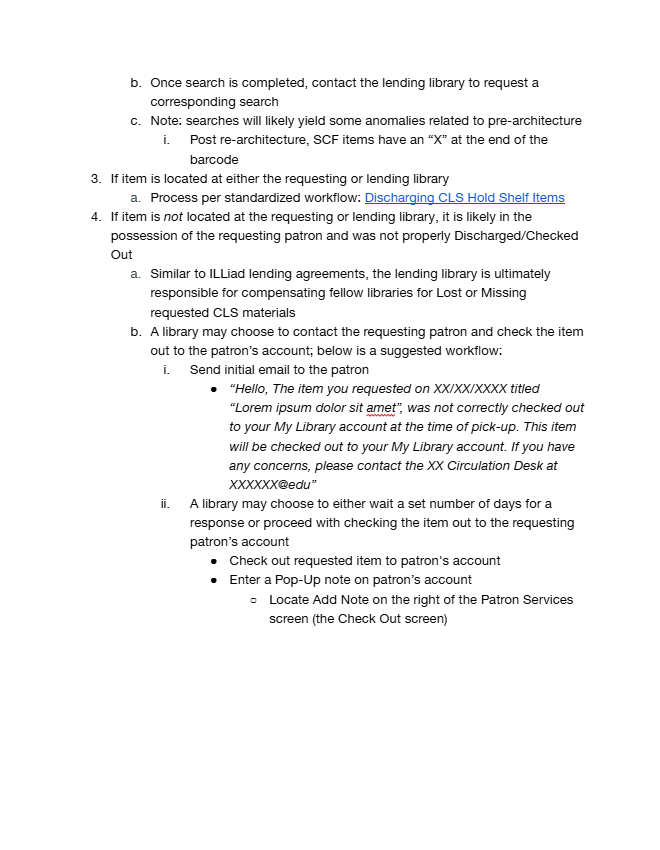
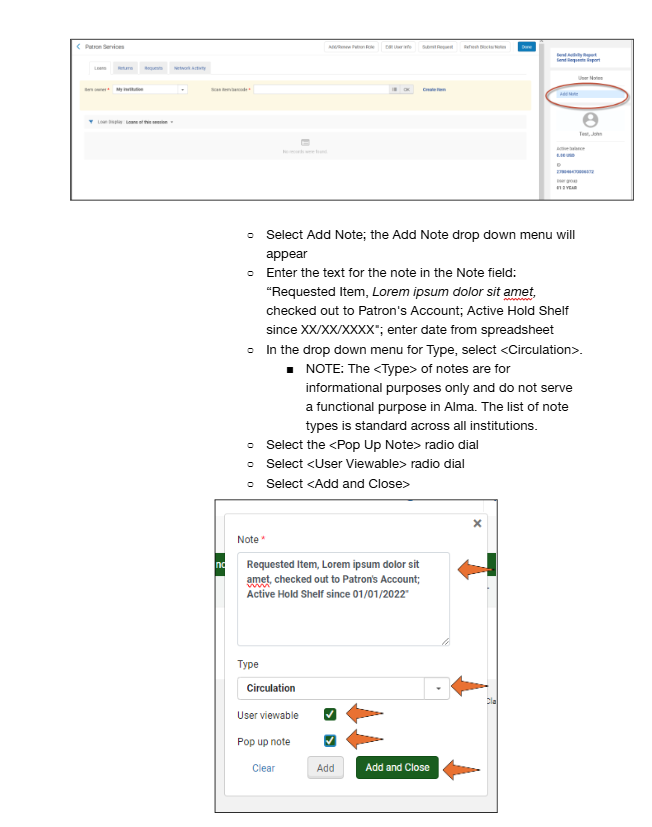
Note Types are informational only and do not trigger Alma behavior. The list is standardized across institutions.
8: If the Patron Claims They Never Received the Item The patron’s home library will:

Frequently Asked Questions (FAQs)
Why is only one search required?
Why does the requesting library assume responsibility?
Why add a pop-up note?
What if the patron never responds?